Features that fit real field work
A closer look at what Easy E-Detailing Lite does — with practical examples for how each feature helps during a visit. Project content is primarily stored on your device where the app's implementation allows.
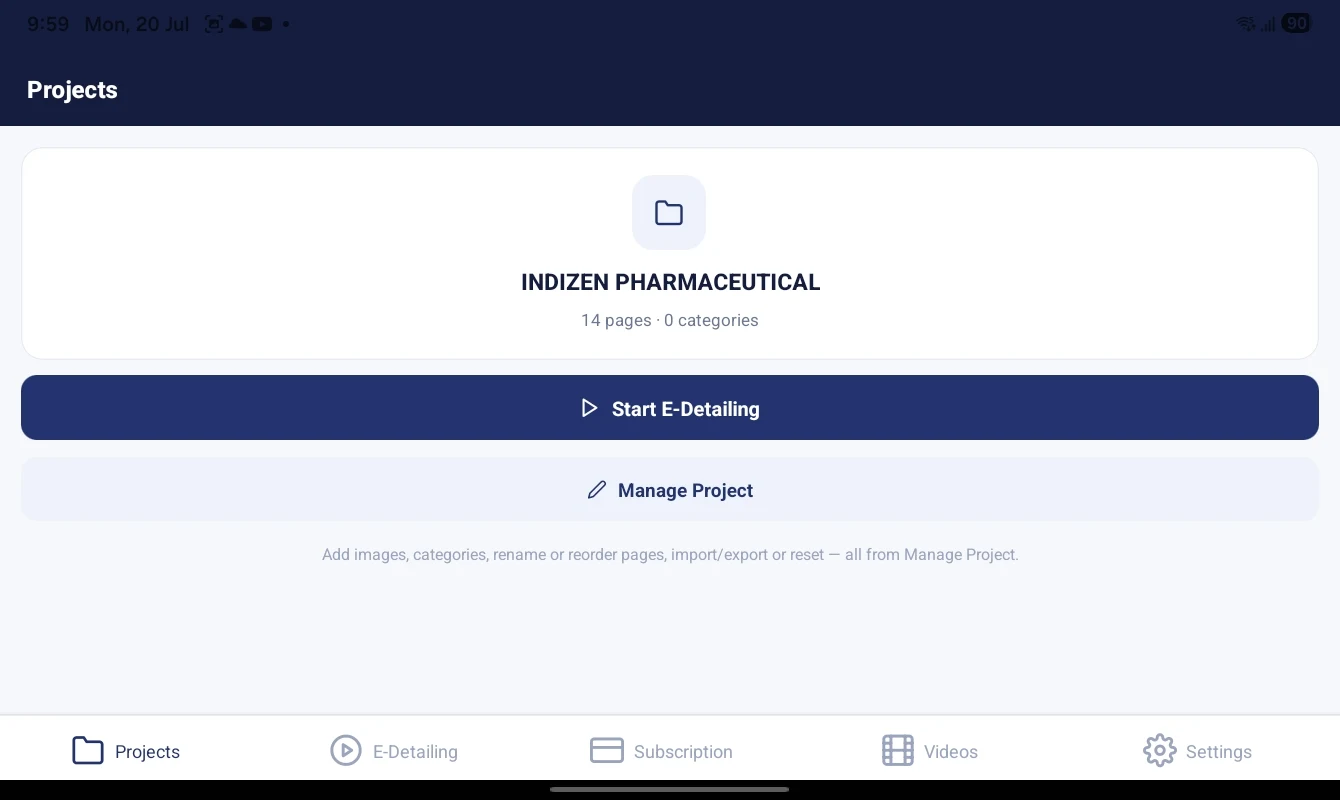
Create and manage multiple projects
Keep each brand, campaign or product line in its own project so nothing gets mixed up.
Example: A rep working two divisions keeps one project per division and switches between them in seconds.
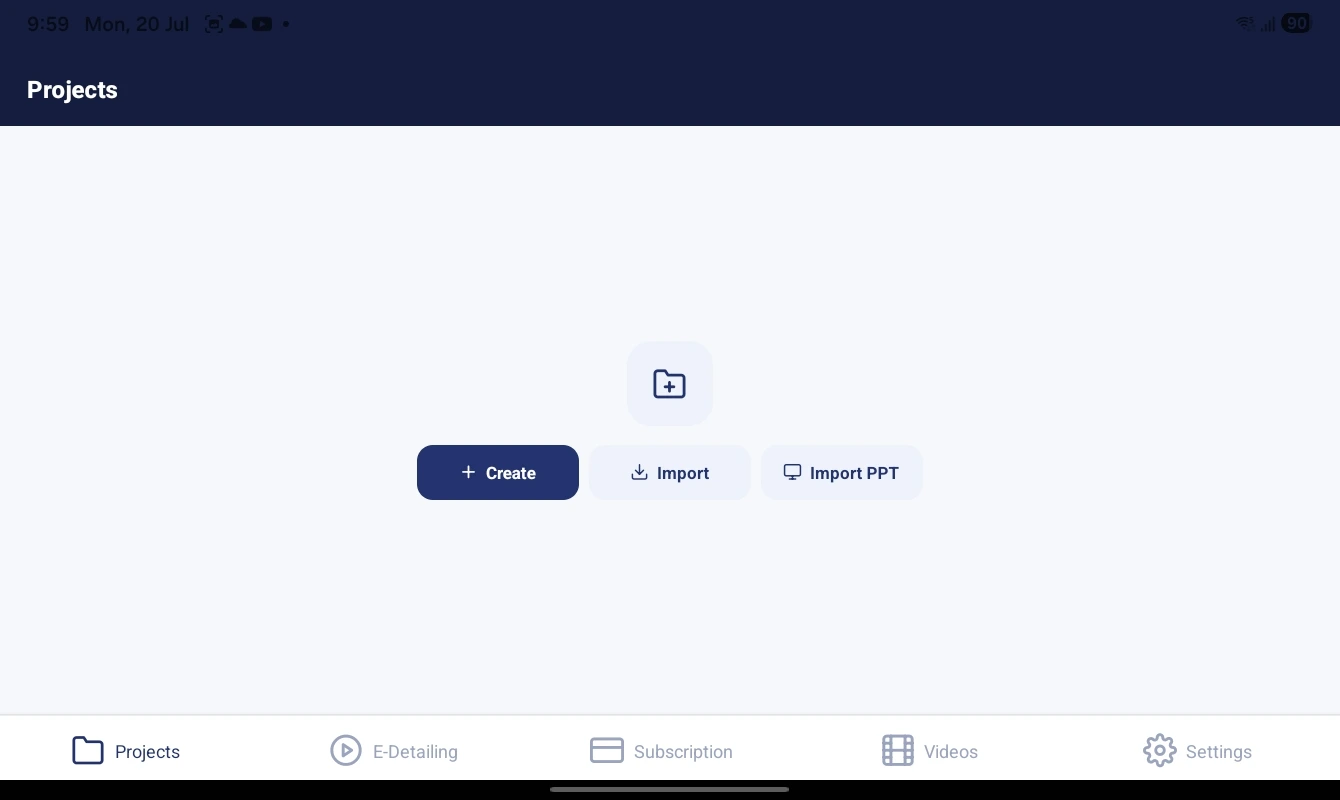
Import PDF, PPT/PPTX and images
Bring in the content you already have. Import PDF files and images to build detailing pages; supported PPT/PPTX import depends on your production build.
Example: Import an approved product PDF and it becomes a set of pages you can reorder and present.
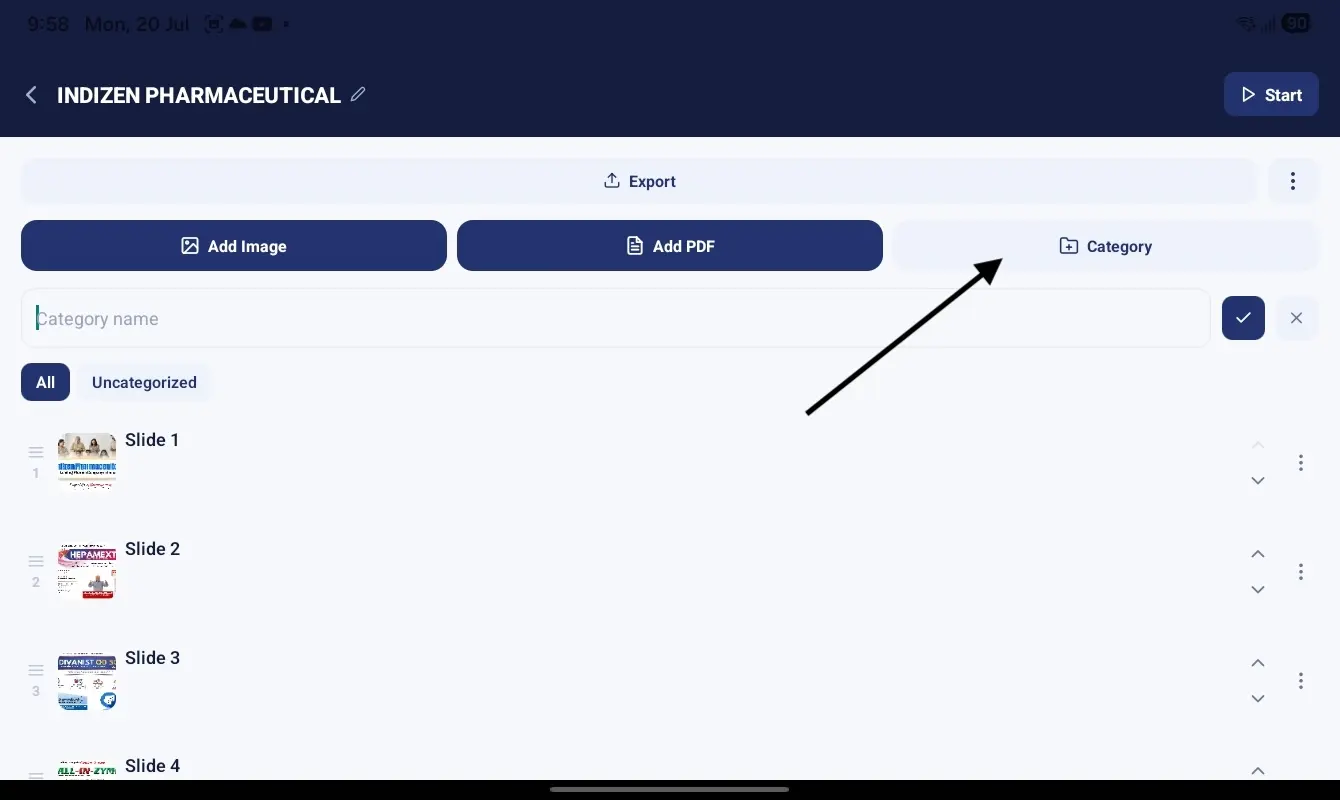
Unlimited categories and full page control
Group pages into categories, then rename, reorder, copy, move or delete any page as your material changes.
Example: Keep "Cardiology" and "Diabetes" as separate categories and jump straight to the right one in a meeting.

Full-screen viewer with landscape mode
Present distraction-free with smooth page transitions, and switch to landscape for a comfortable tablet view.
Example: Hand the tablet across the desk in landscape and swipe through the pages together.
Offline access after activation
Once you sign in and activate a subscription, your projects and presentations work offline. Login, payments, subscription verification, account actions and training videos still need internet.
Example: Present in a clinic basement with no signal — your pages are already on the device.

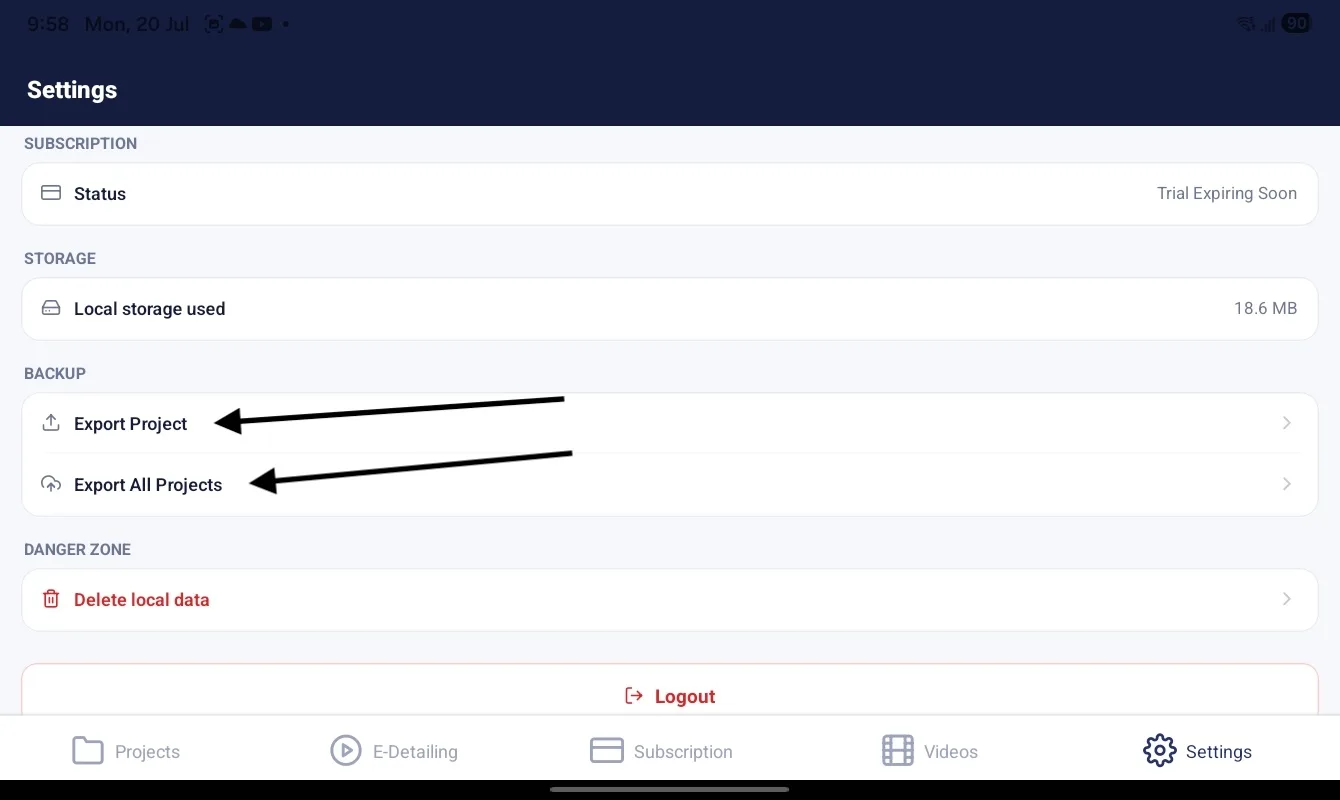
One-click export and restore
Export a project as a portable backup and import it to restore your work — useful when moving to a new device.
Example: Replacing your tablet? Export from the old tablet, import on the new one and keep going.
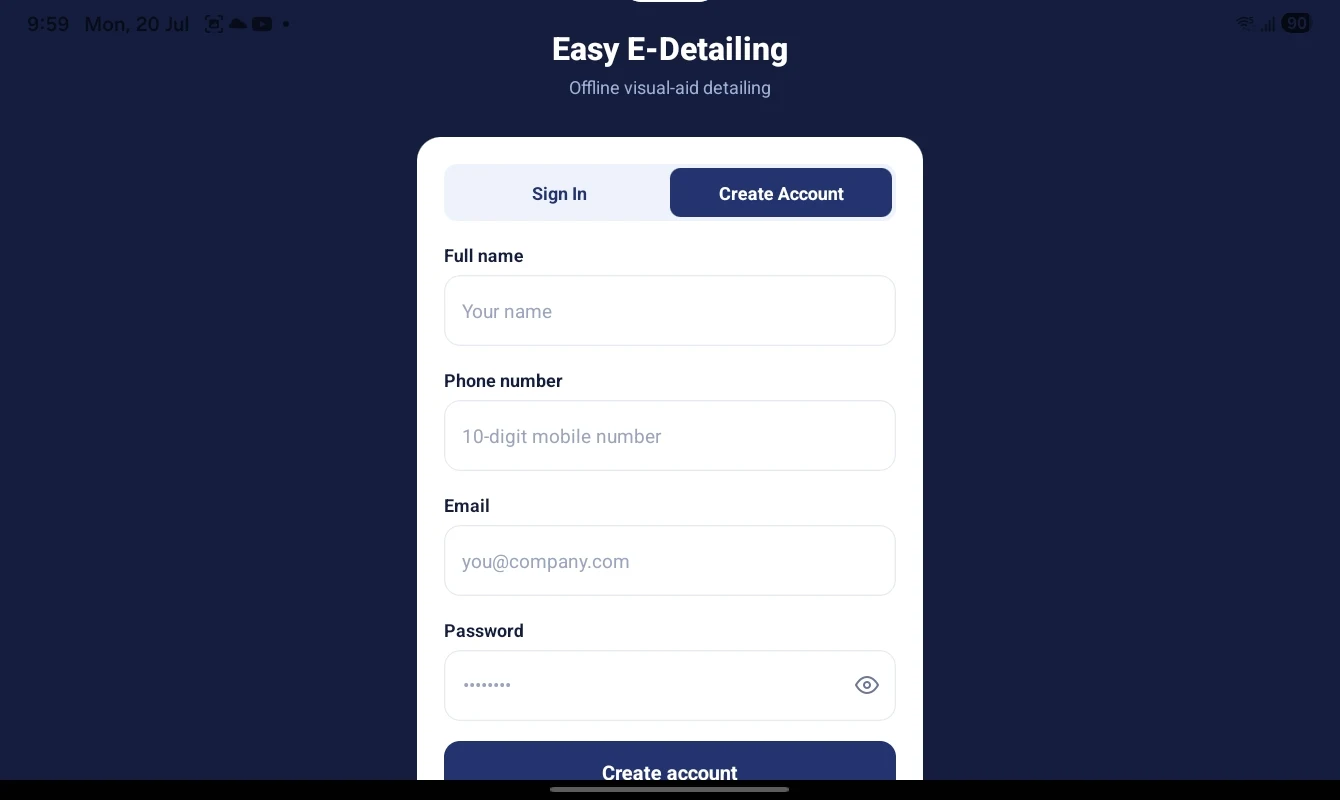
Simple registration and secure sign-in
Create your account with the required details, then sign in to access your activated workspace on a supported tablet.
Example: A new team member registers once, activates access and returns to the same organized detailing workspace.
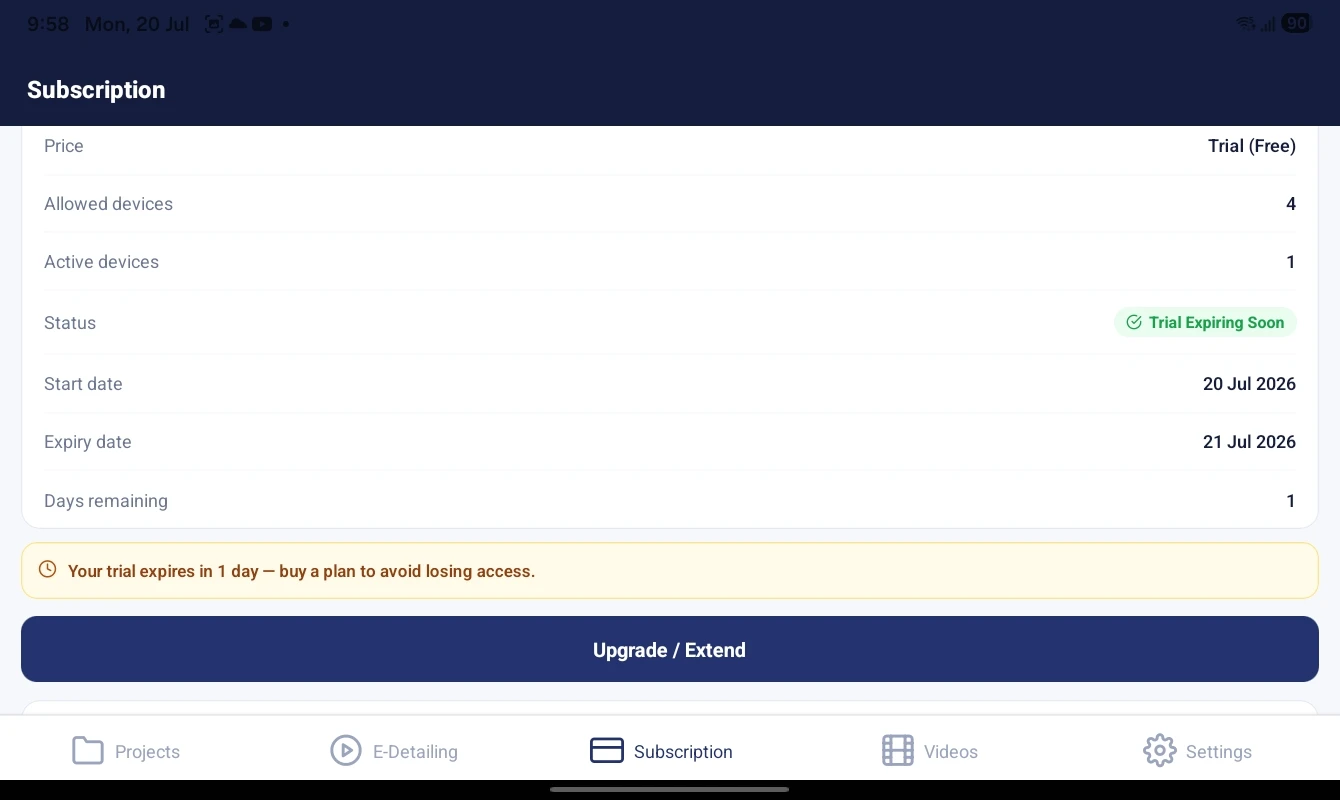
Subscription, device and account management
See your plan and expiry, manage device access and use secure, authenticated login. Training videos are available online.
Example: Check your remaining days before a busy week so there are no surprises in the field.